
 Work
 Personal


Display per space
Choose a preset or set your own resolution, screen orientation and target frame rate.
RUNS ON YOUR DEVICE
ZZSpace comes with Android 17 built in. Start a space quickly, keep apps and accounts separate, and share files with your phone.
 Installs like an app. No root or flashing required.
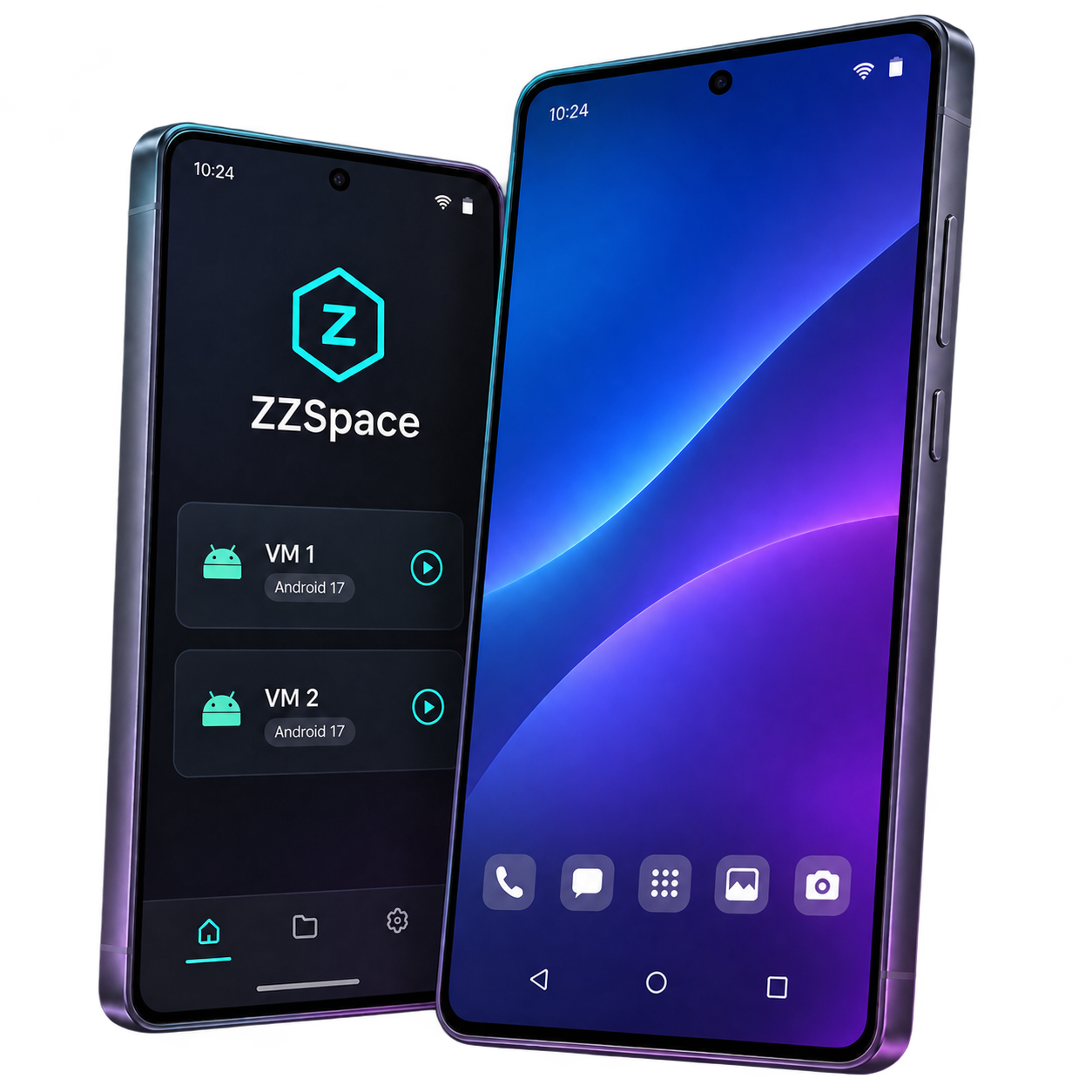
Set up different spaces for work, personal use or testing, each with its own apps and settings.
Each space has its own Android 17 home screen, apps and data.
Copy an entire VM with its apps and settings, or create app clones with separate accounts and data.
Move photos, documents and folders through the shared directory. Download/ZZSpace
Choose a preset or set your own resolution, screen orientation and target frame rate.

On supported devices, smart rendering tries the GPU first and falls back to the CPU if startup fails.

Choose which spaces can use the camera, microphone, location, sensors and clipboard.
Pick a space and tap Start Android to open its Android 17 home screen.
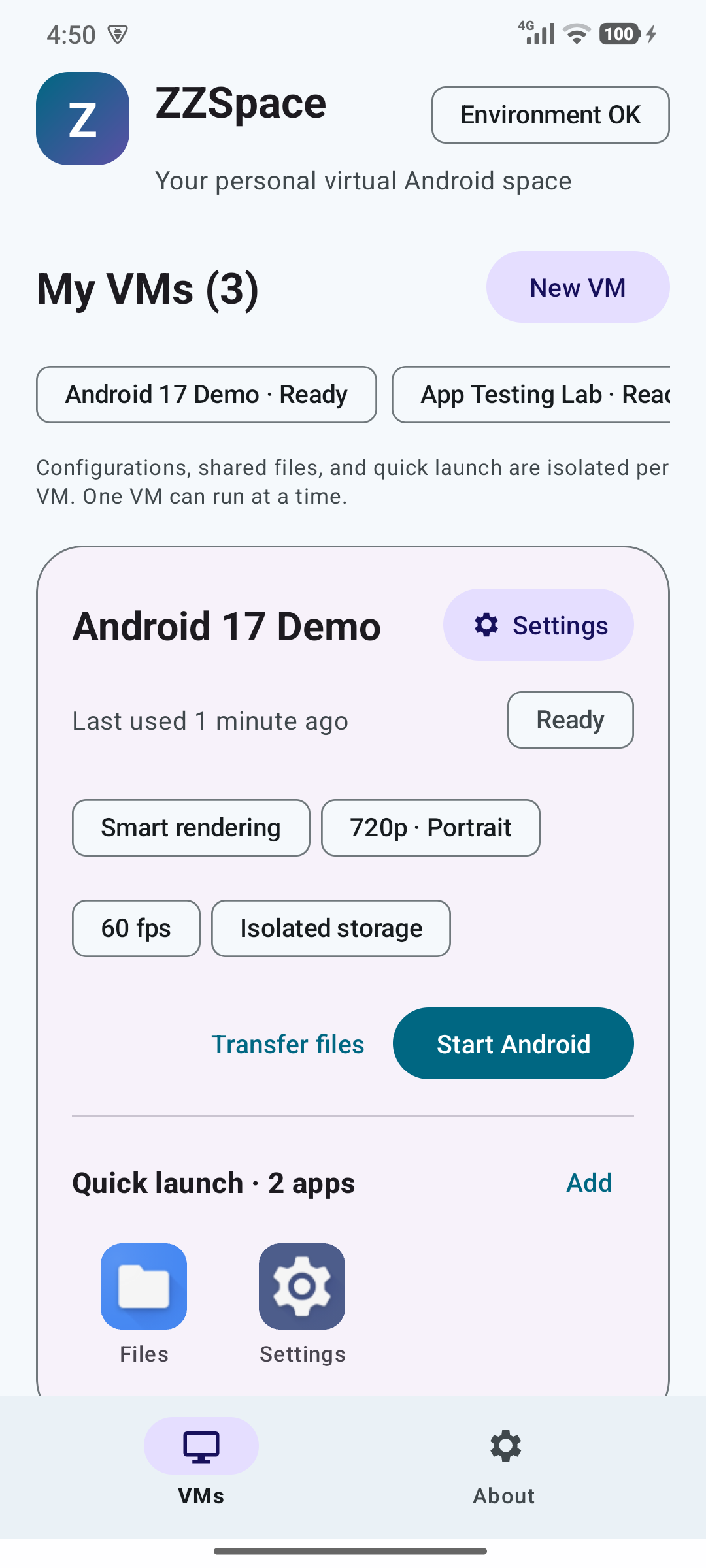
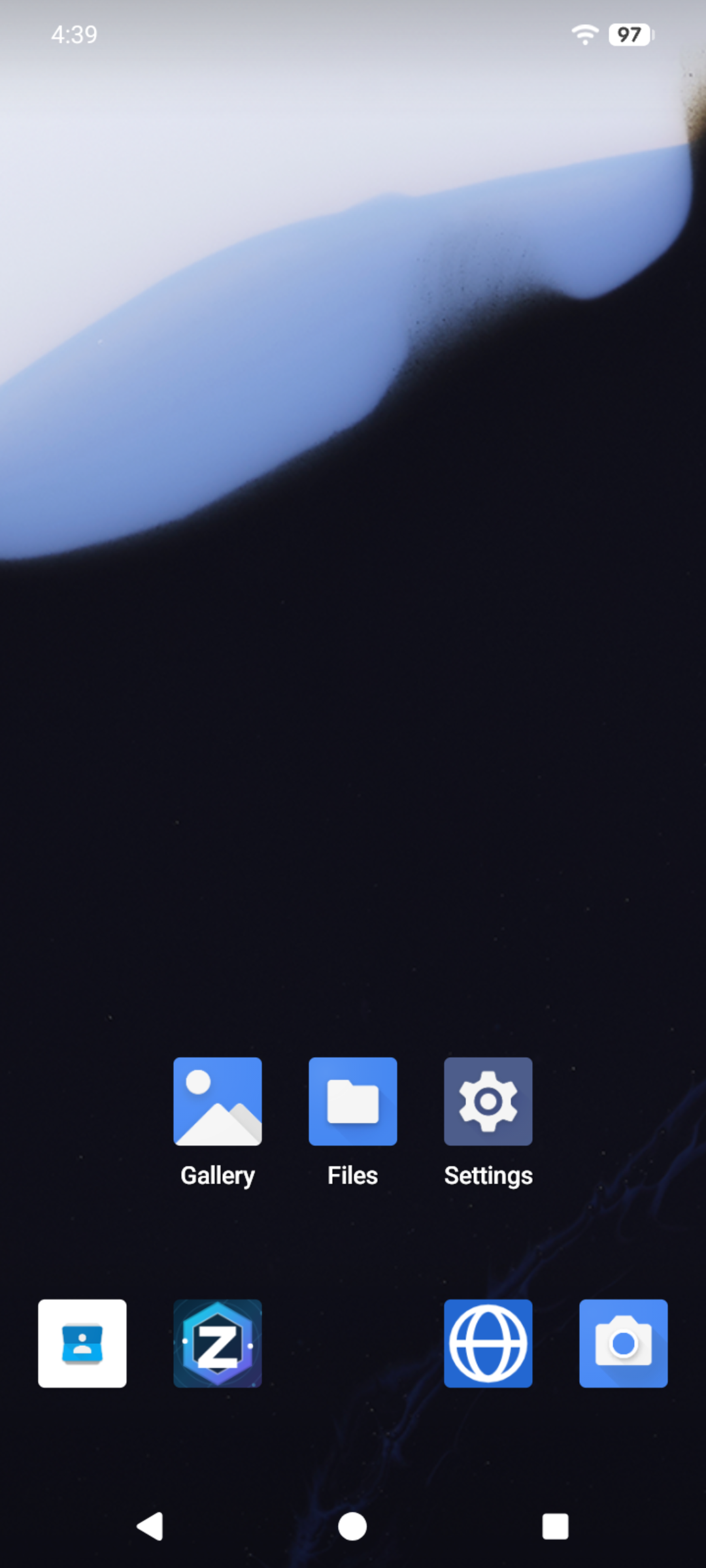

Set up your phone, then start your first virtual Android space.
Install the ARM64 app on your Android device.
Open ZZSpace and follow the first-time setup checks in the app.
Create a VM and tap Start Android to open the Android 17 home screen.
On Android 12 or later, tap Build number seven times, then open Developer options and turn on Disable child process restrictions. Return to ZZSpace to see the environment check.
Phone makers may move, rename or omit this switch. Open the child process item in ZZSpace’s environment check for device-specific guidance.
Use ZZSpace Helper to install an APK or import apps from your device.
Each app can have up to 100 clones, with separate accounts and data for each clone.